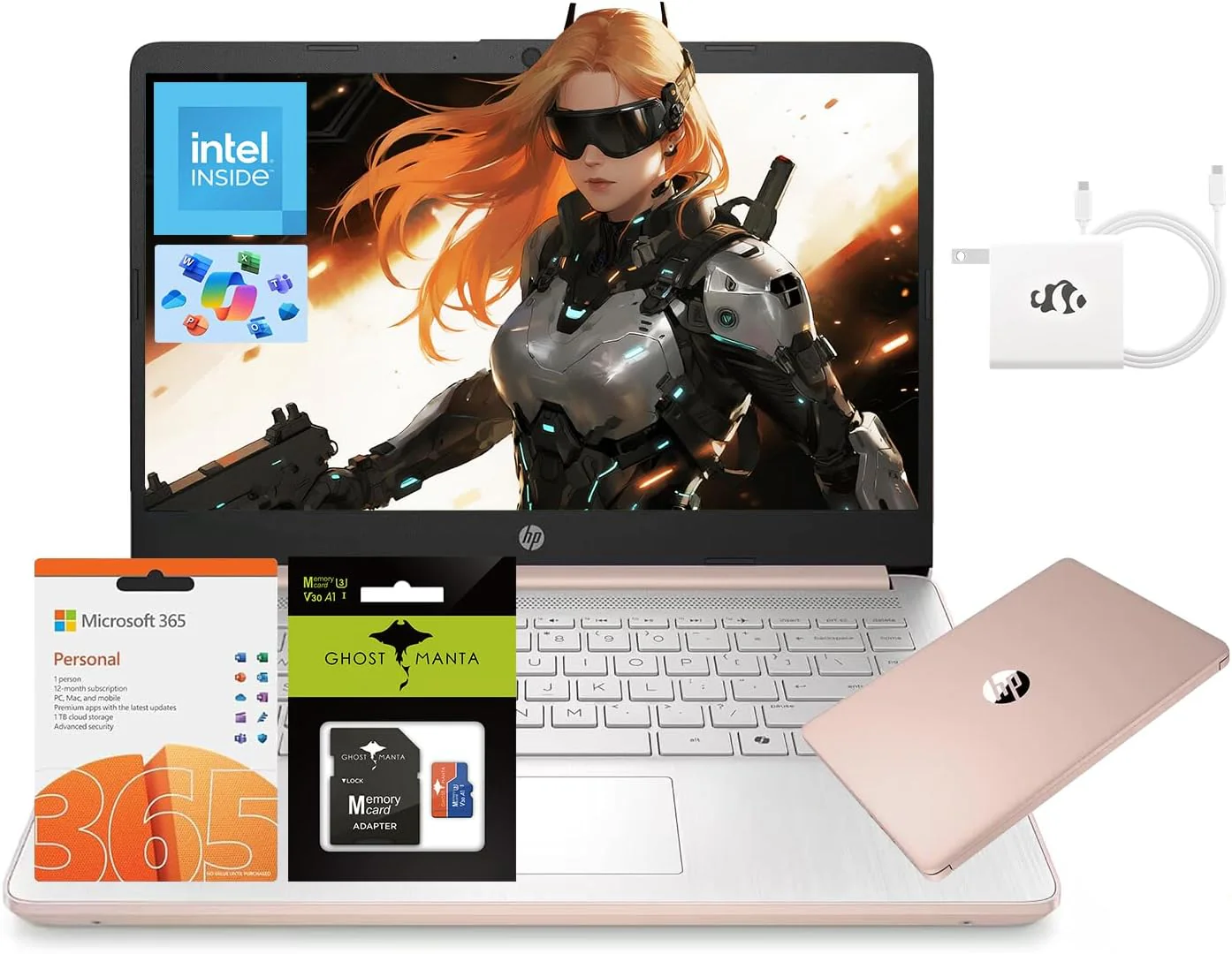
HP 14" Laptop, Intel Processor N150 (Beat i3) 16GB RAM 256GB Storage(128GB UFS + 128GB SD Card) 1-Year Office 365 Copilot AI Win11 WiFi6 Laptops-Computer for Business Student w/GM Accessory
Product Description
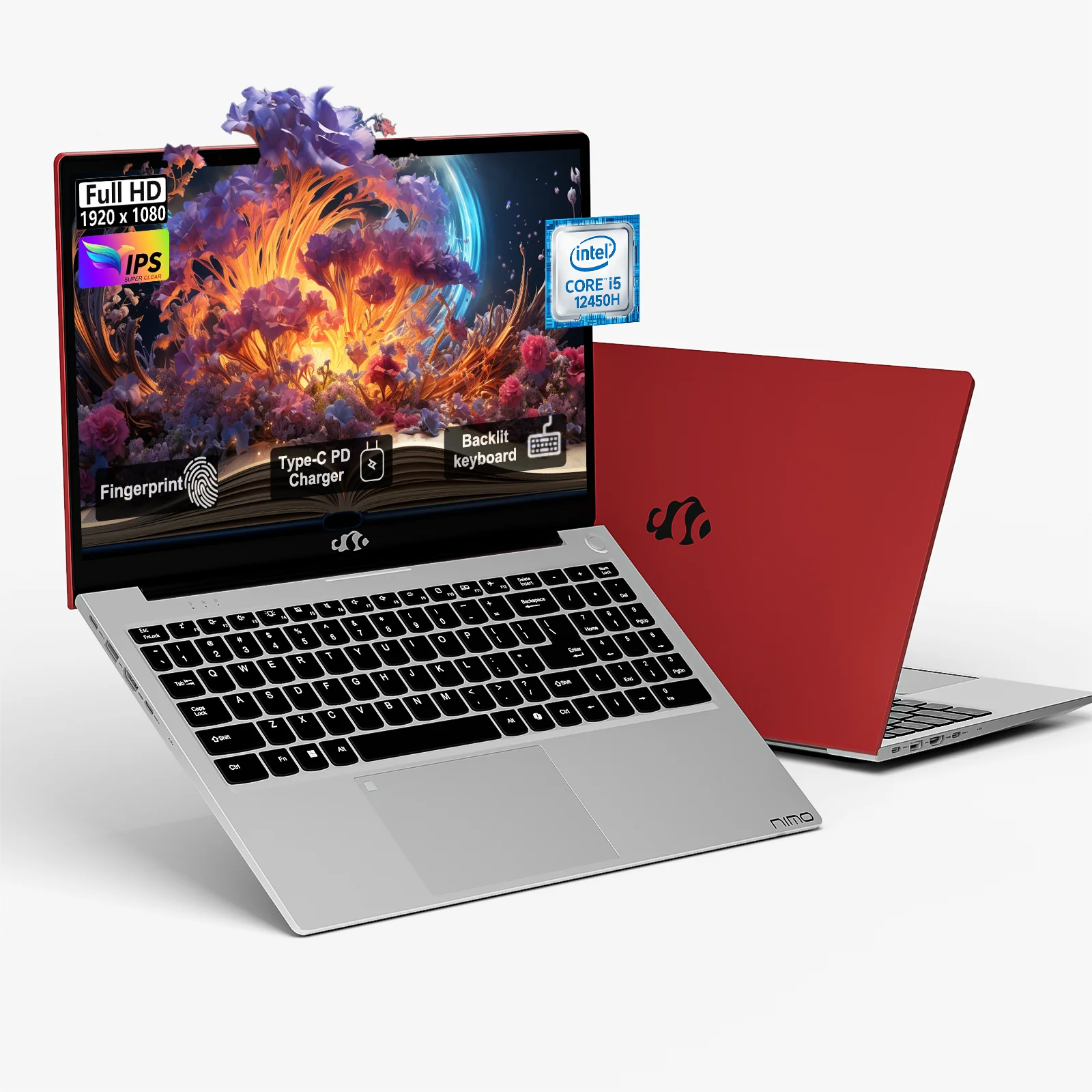
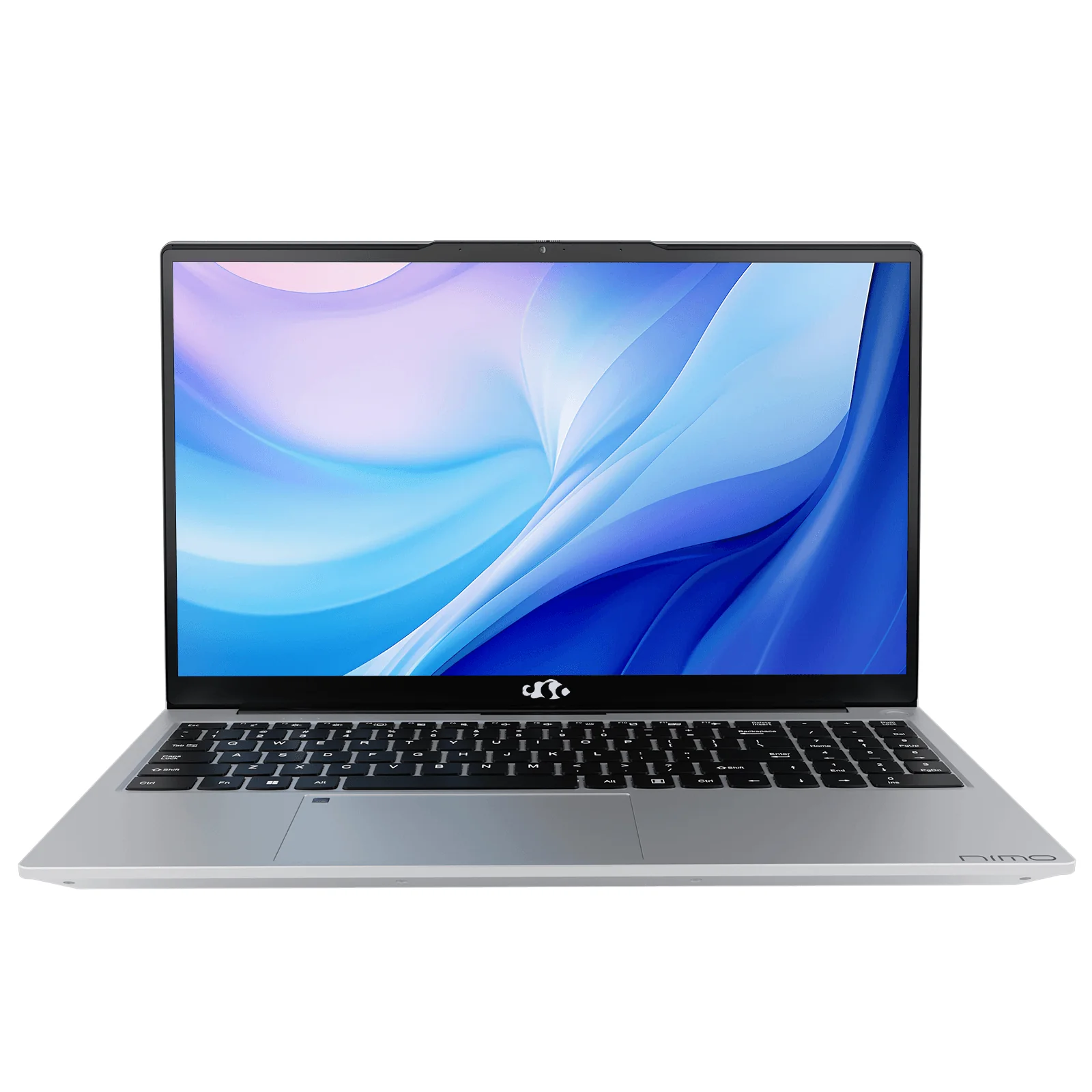
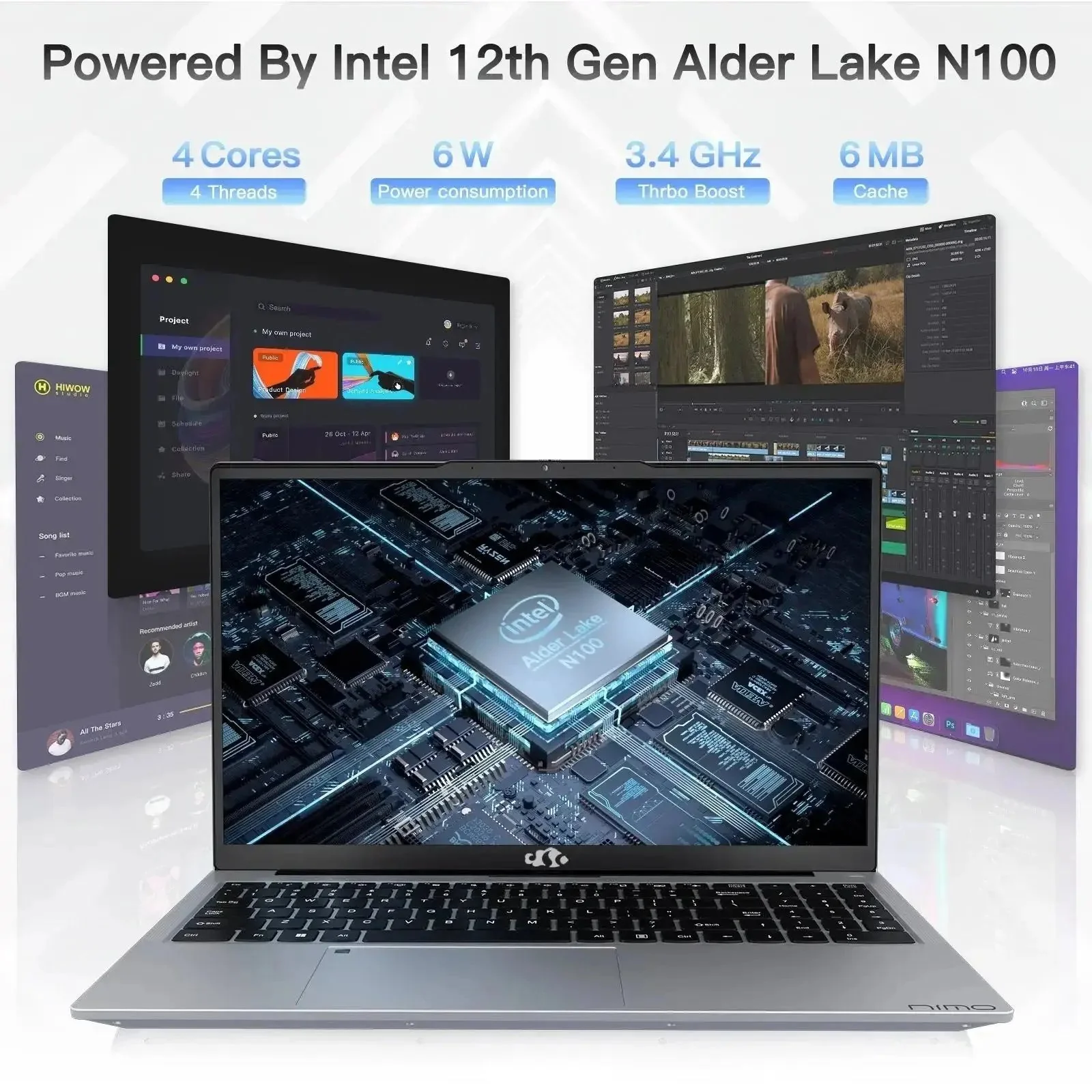
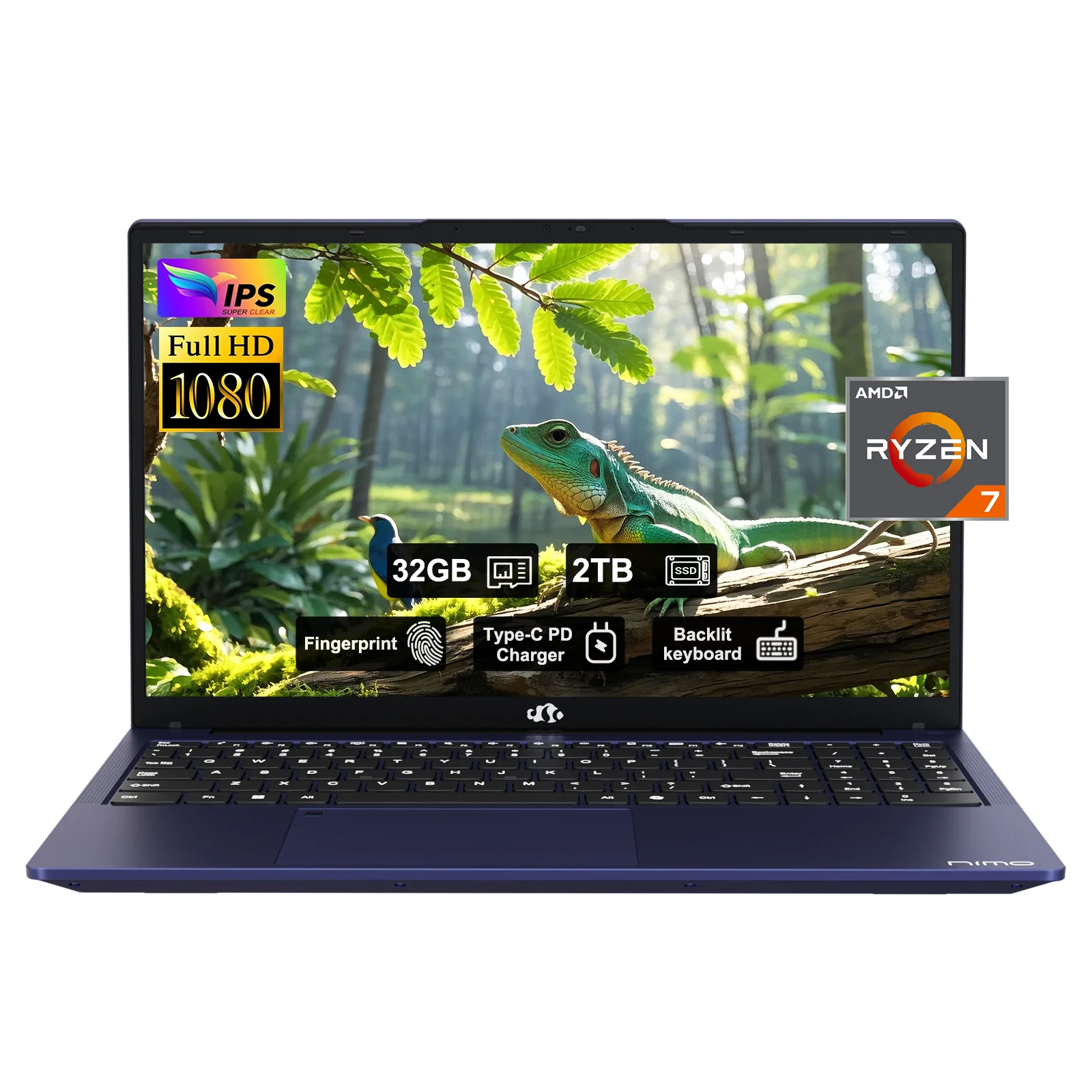
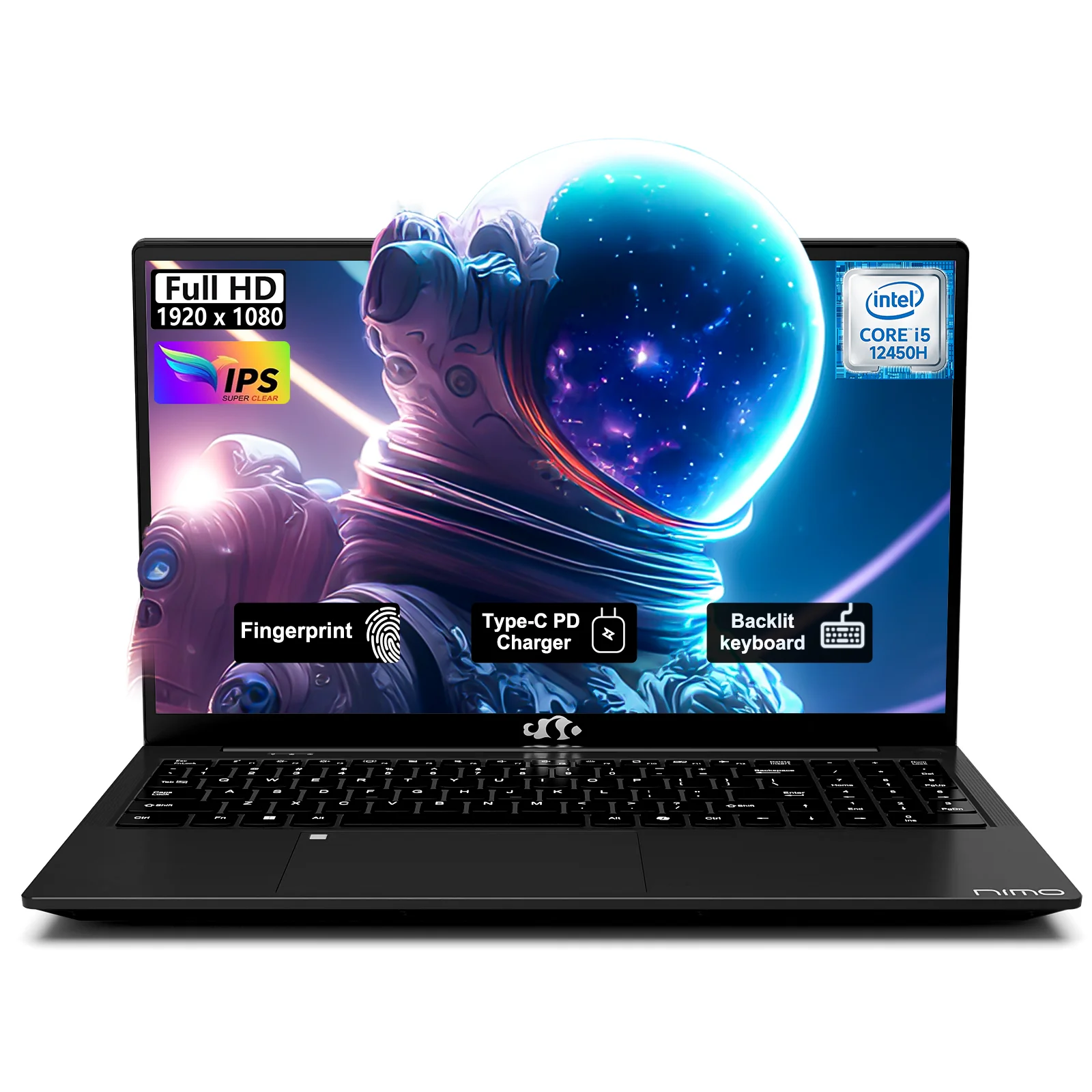
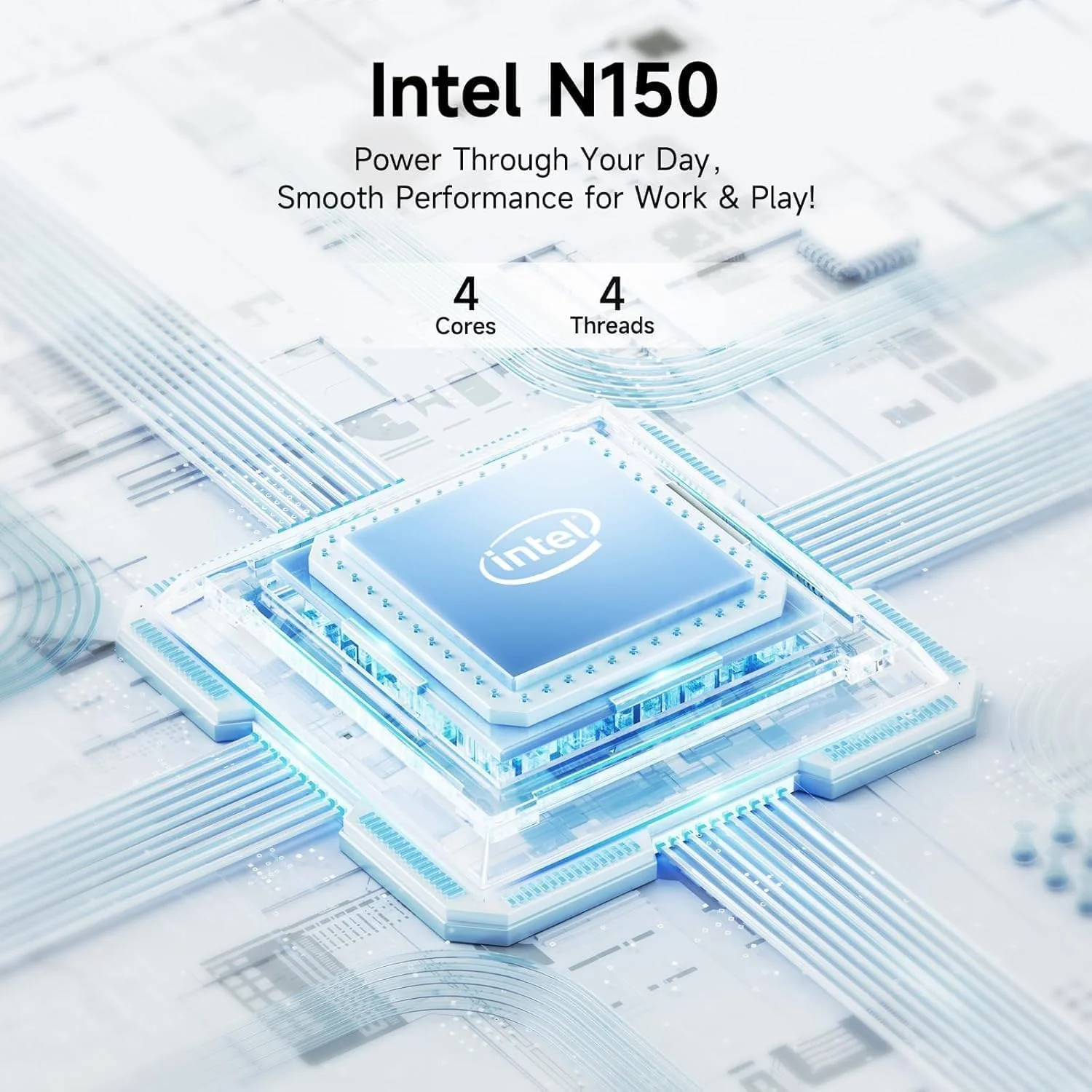
Microprocessor: Intel Processor N150 (4-Core, up to 3.6 GHz)
Memory:Upgraded to 16GB DDR4 RAM
Video Graphics: Intel Graphics
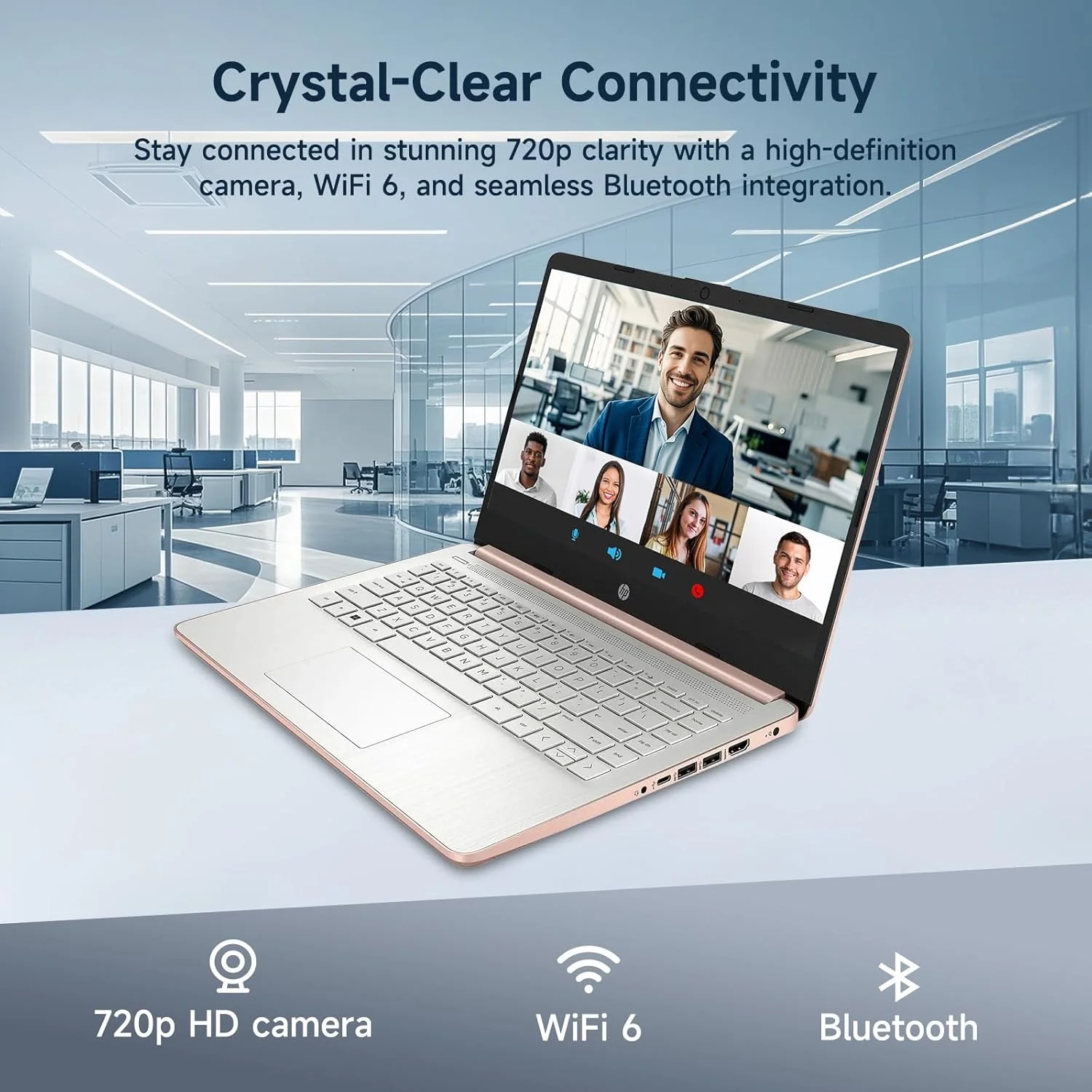
Wireless Connectivity: Wi-Fi 6 and Bluetooth 5 combo
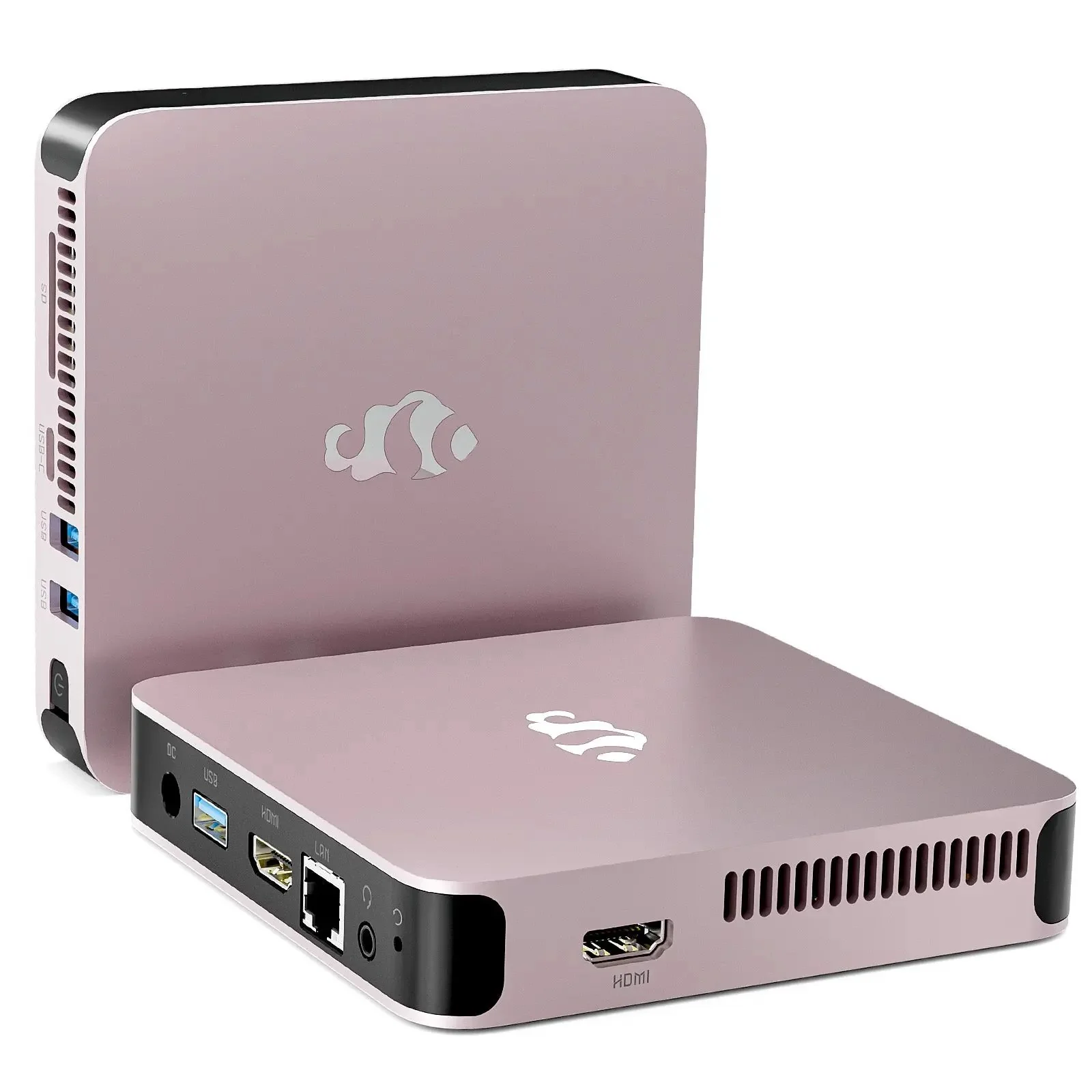
External Ports:
1 x SuperSpeed USB Type-C 3.1
2 x SuperSpeed USB Type-A 3.0
Minimum Dimensions(W x D x H): 12.76 x 8.86 x 0.71 inches
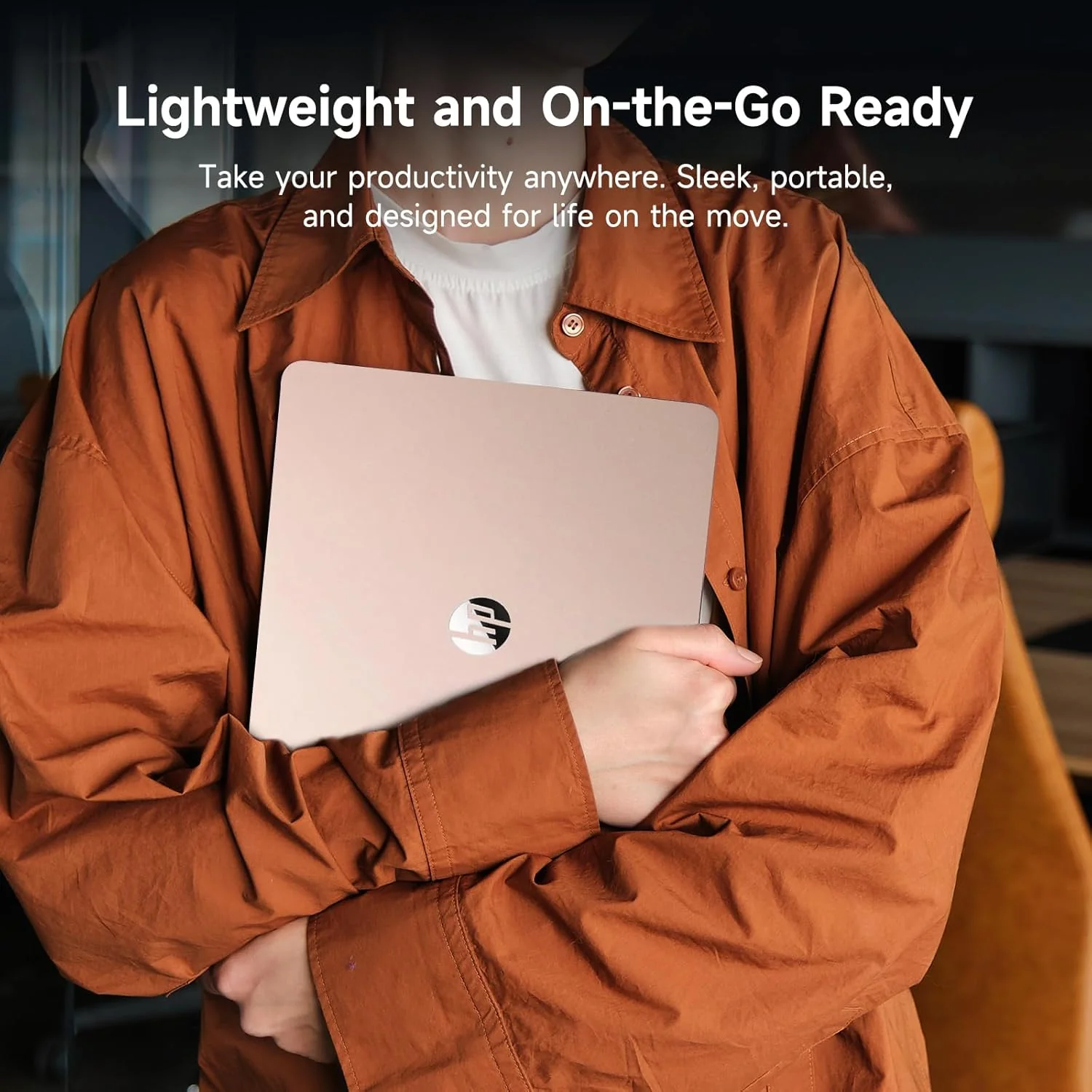
Weight: 3.24 LB
Power Supply type: 45 W AC power adapter
Battery Life Mixed Usage: Up to 11 hours
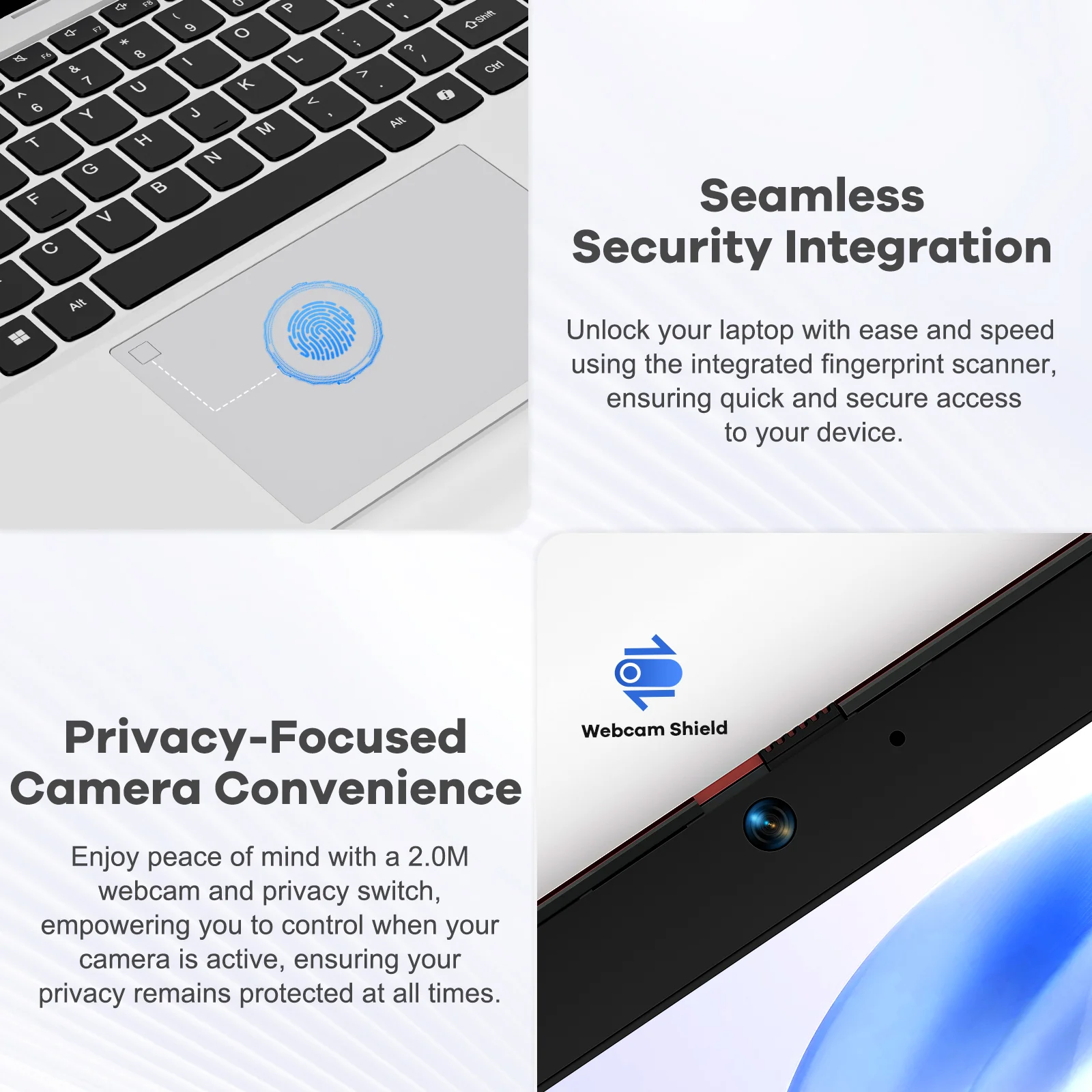
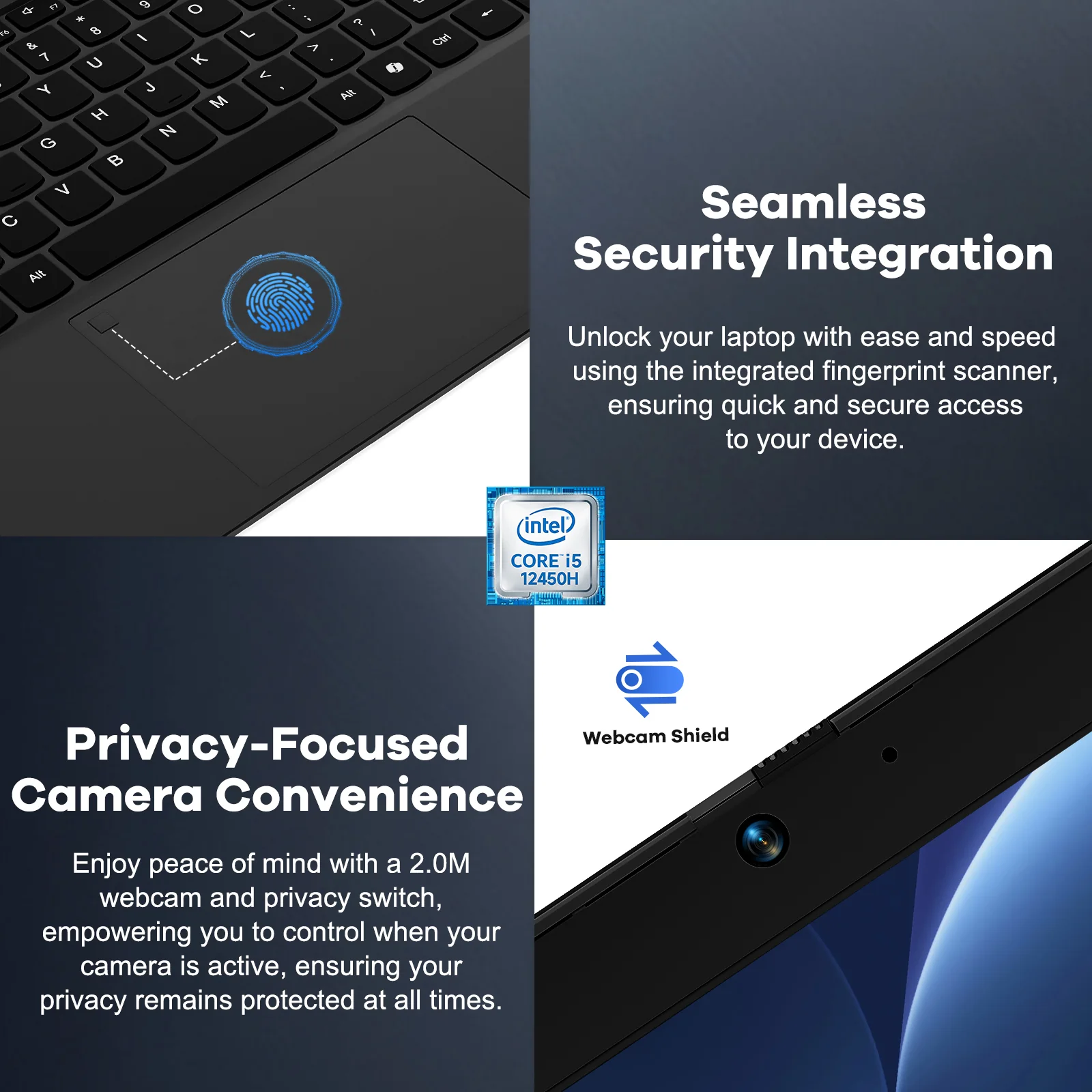
Webcam: HP Wide Vision 720p HD camera with camera shutter and integrated dual array digital microphones
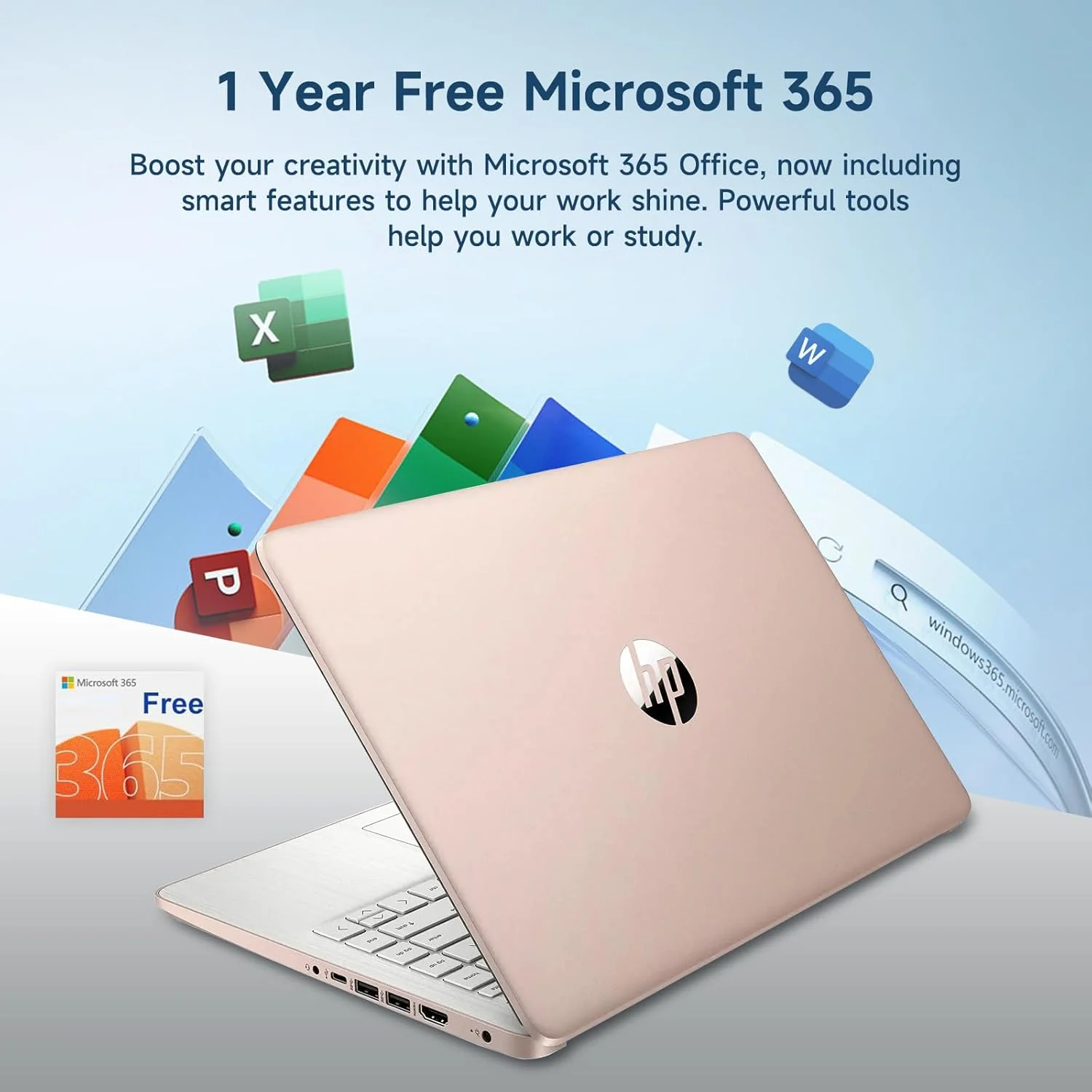
Activate 1 Year MS office 365
Activate pre-installed Office: 1.Launch any Office app > 2.Start your activation by signing in with your Microsoft account(Create a account if you don't have one yet) > 3.Click "Activative Office" > 4.Sign in your account and follow the next prompts. > 5.Complete Step 1,2 and 3 > 6.Click on Refresh once Office is ready > 7.Open a document and accept the license agreement.
Switching out of S mode in Windows 11
1. On your PC running Windows 11 in S mode, open Settings > System > Activation.
2. In the Switch to Windows 11 Pro section, select Go to the Store. (If you also see an "Upgrade your edition of Windows" section, be careful not to click the "Go to the Store" link that appears there.)
3. On the Switch out of S mode (or similar) page that appears in the Microsoft Store, select the Get button. After you see a confirmation message on the page, you'll be able to install apps from outside of the Microsoft Store.
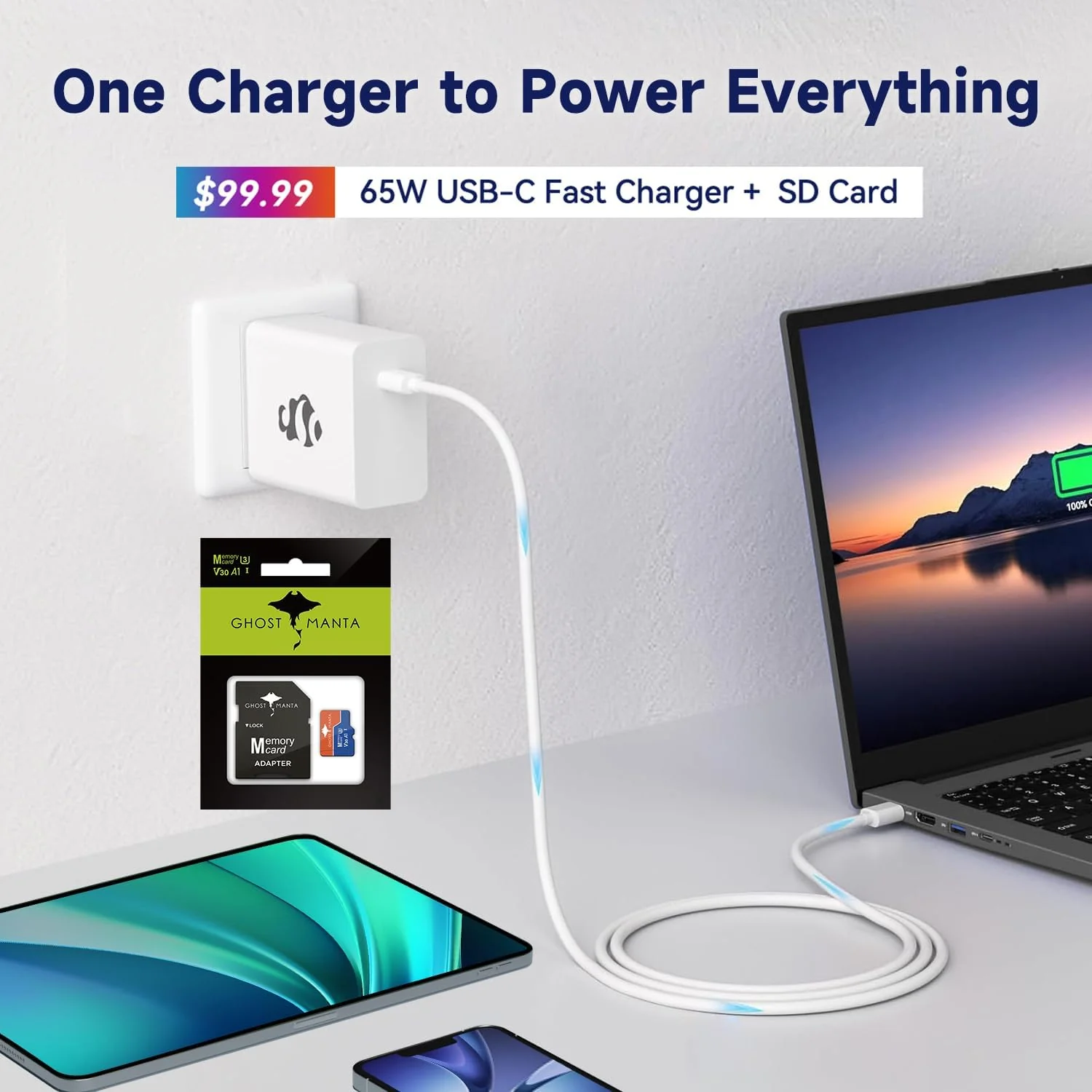
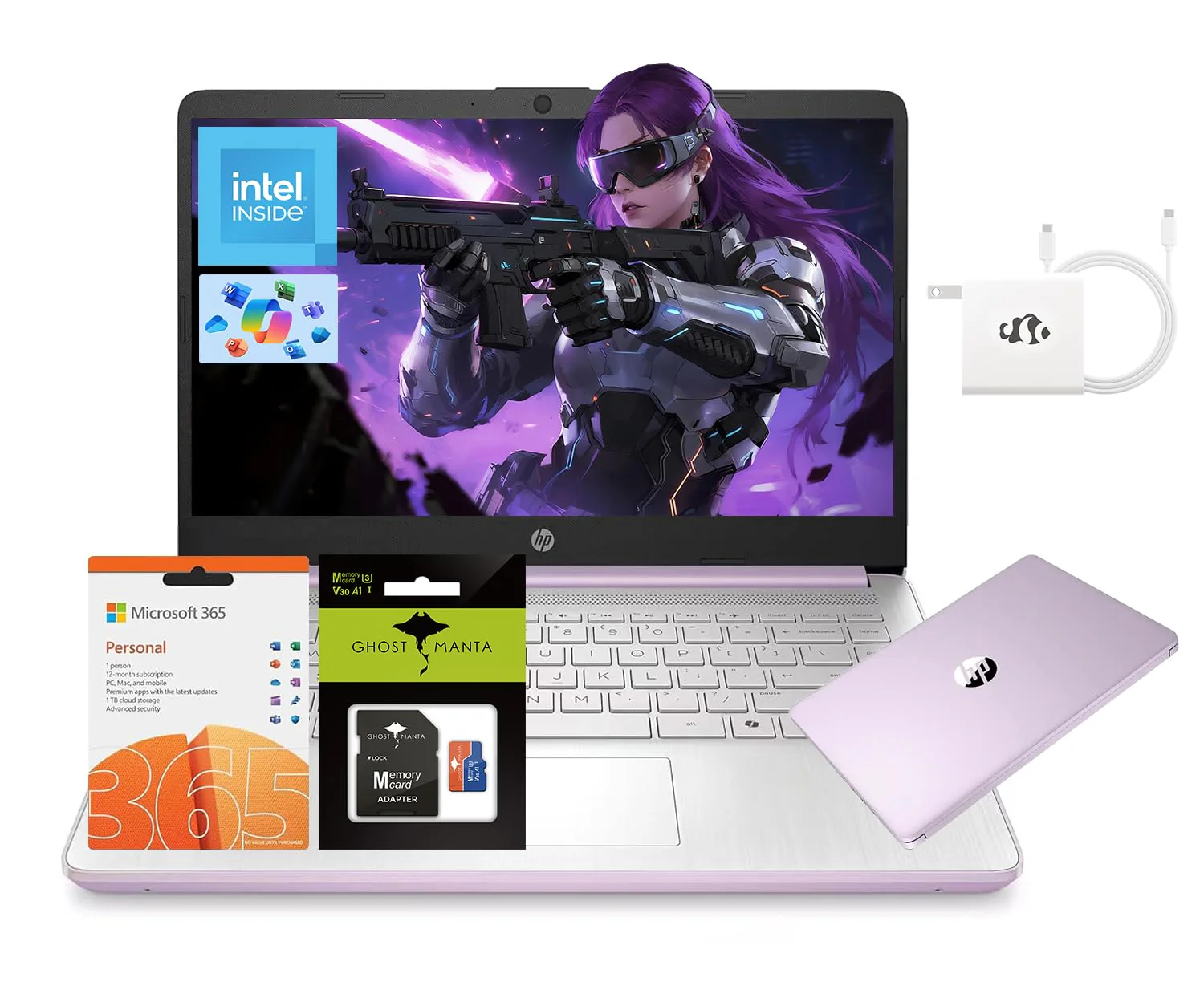
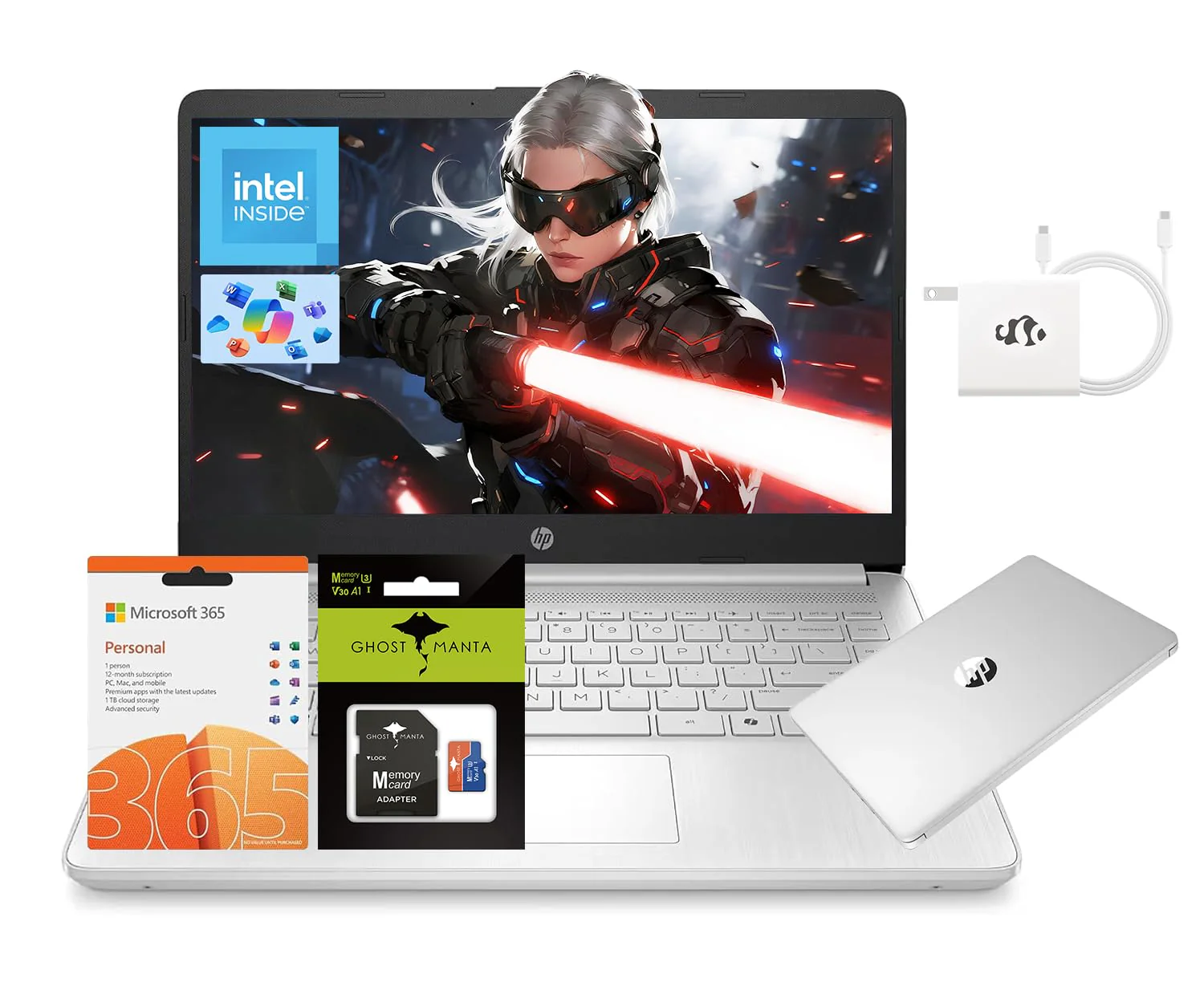
Accessories: 128GB Ghost Manta SD Card + 65W Charger
Product Information
Product Information
Shipping & Returns
Shipping & Returns
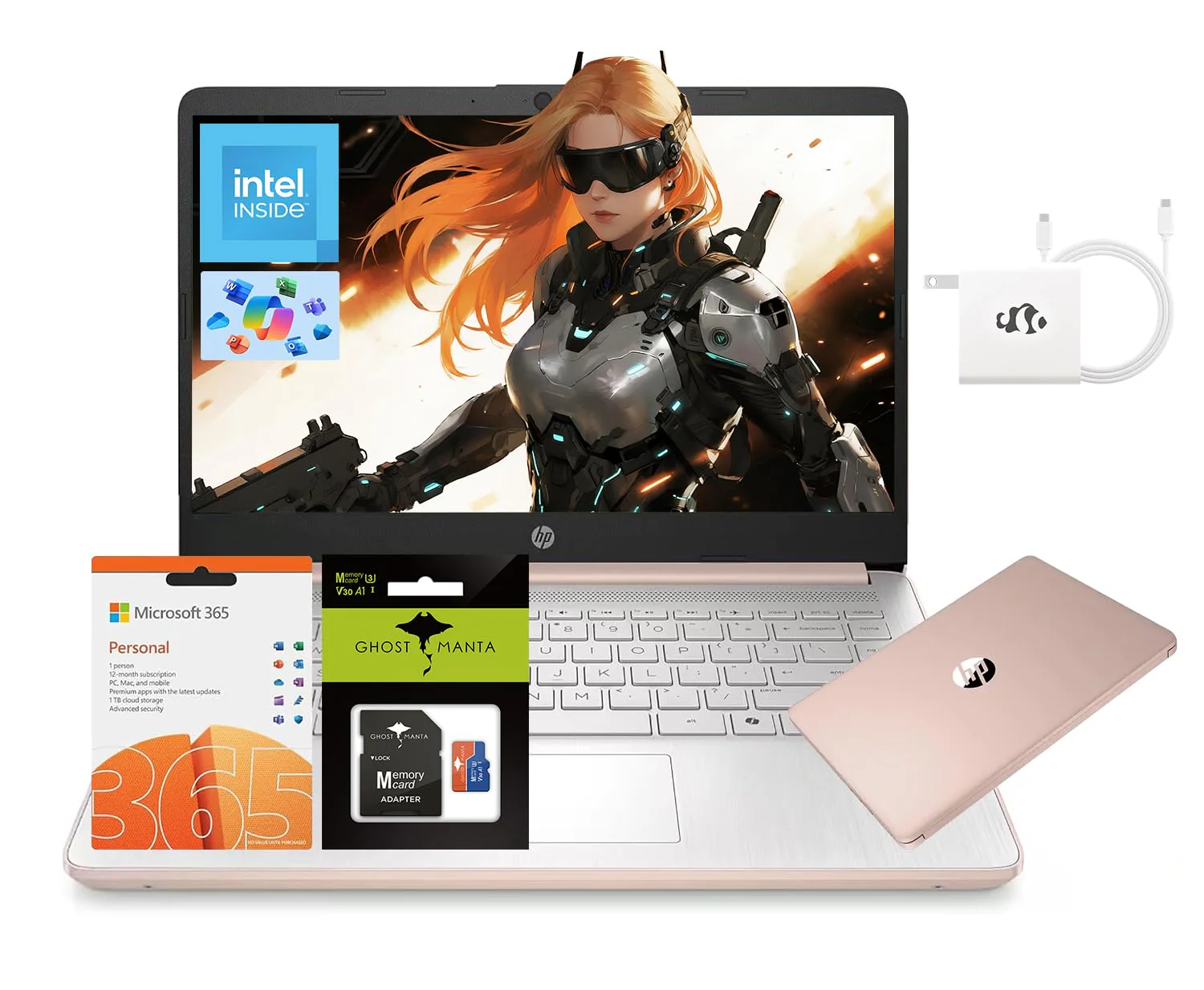
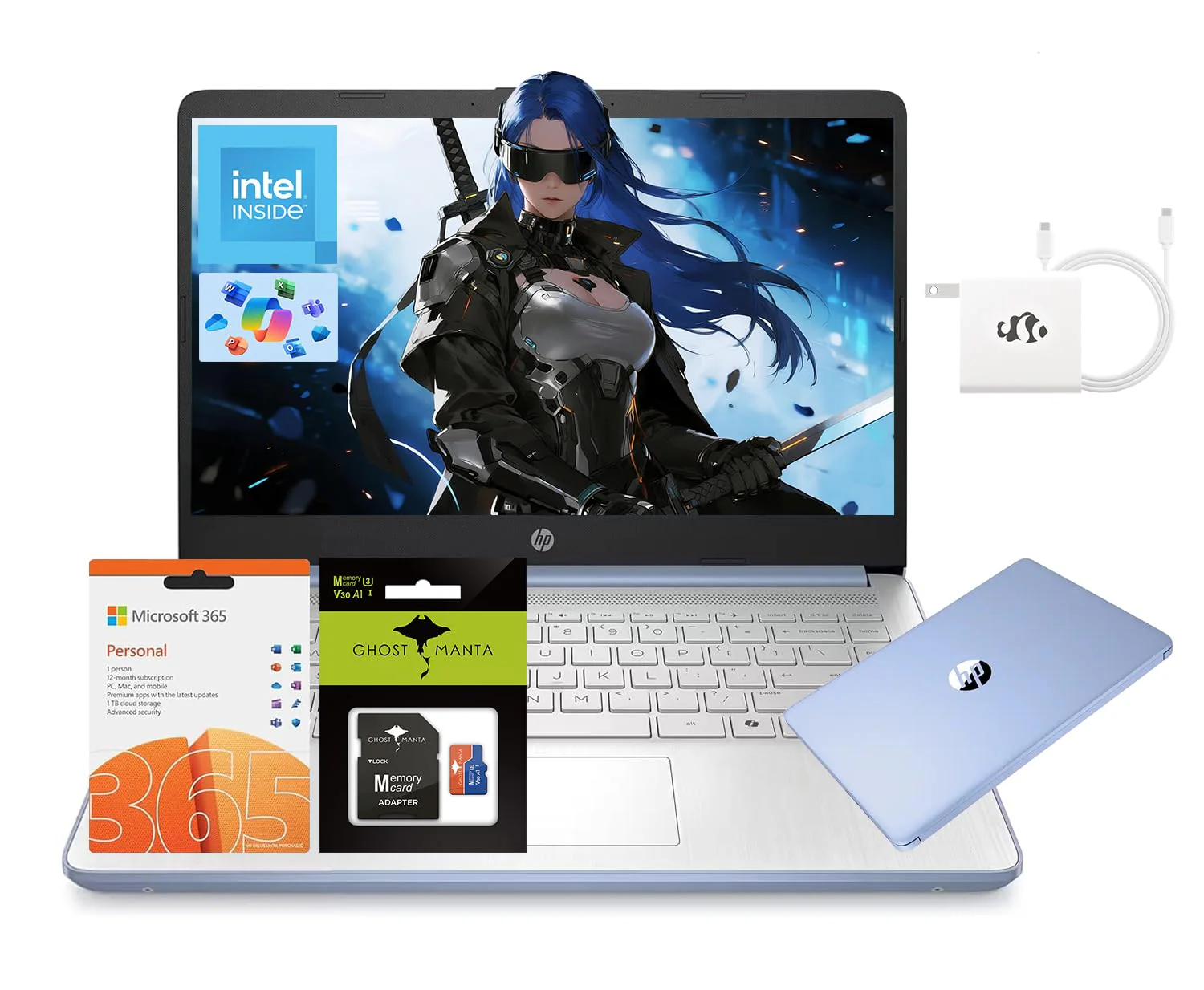
HP 14" Laptop, Intel Processor N150 (Beat i3) 16GB RAM 256GB Storage(128GB UFS + 128GB SD Card) 1-Year Office 365 Copilot AI Win11 WiFi6 Laptops-Computer for Business Student w/GM Accessory
HP 14" Laptop, Intel Processor N150 (Beat i3) 16GB RAM 256GB Storage(128GB UFS + 128GB SD Card) 1-Year Office 365 Copilot AI Win11 WiFi6 Laptops-Computer for Business Student w/GM Accessory
Product Description
Microprocessor: Intel Processor N150 (4-Core, up to 3.6 GHz)
Memory:Upgraded to 16GB DDR4 RAM
Video Graphics: Intel Graphics
Wireless Connectivity: Wi-Fi 6 and Bluetooth 5 combo
External Ports:
1 x SuperSpeed USB Type-C 3.1
2 x SuperSpeed USB Type-A 3.0
Minimum Dimensions(W x D x H): 12.76 x 8.86 x 0.71 inches
Weight: 3.24 LB
Power Supply type: 45 W AC power adapter
Battery Life Mixed Usage: Up to 11 hours
Webcam: HP Wide Vision 720p HD camera with camera shutter and integrated dual array digital microphones
Activate 1 Year MS office 365
Activate pre-installed Office: 1.Launch any Office app > 2.Start your activation by signing in with your Microsoft account(Create a account if you don't have one yet) > 3.Click "Activative Office" > 4.Sign in your account and follow the next prompts. > 5.Complete Step 1,2 and 3 > 6.Click on Refresh once Office is ready > 7.Open a document and accept the license agreement.
Switching out of S mode in Windows 11
1. On your PC running Windows 11 in S mode, open Settings > System > Activation.
2. In the Switch to Windows 11 Pro section, select Go to the Store. (If you also see an "Upgrade your edition of Windows" section, be careful not to click the "Go to the Store" link that appears there.)
3. On the Switch out of S mode (or similar) page that appears in the Microsoft Store, select the Get button. After you see a confirmation message on the page, you'll be able to install apps from outside of the Microsoft Store.
Accessories: 128GB Ghost Manta SD Card + 65W Charger
Original: $229.49
-65%$229.49
$80.32Product Information
Product Information
Shipping & Returns
Shipping & Returns
Description
Product Description
Microprocessor: Intel Processor N150 (4-Core, up to 3.6 GHz)
Memory:Upgraded to 16GB DDR4 RAM
Video Graphics: Intel Graphics
Wireless Connectivity: Wi-Fi 6 and Bluetooth 5 combo
External Ports:
1 x SuperSpeed USB Type-C 3.1
2 x SuperSpeed USB Type-A 3.0
Minimum Dimensions(W x D x H): 12.76 x 8.86 x 0.71 inches
Weight: 3.24 LB
Power Supply type: 45 W AC power adapter
Battery Life Mixed Usage: Up to 11 hours
Webcam: HP Wide Vision 720p HD camera with camera shutter and integrated dual array digital microphones
Activate 1 Year MS office 365
Activate pre-installed Office: 1.Launch any Office app > 2.Start your activation by signing in with your Microsoft account(Create a account if you don't have one yet) > 3.Click "Activative Office" > 4.Sign in your account and follow the next prompts. > 5.Complete Step 1,2 and 3 > 6.Click on Refresh once Office is ready > 7.Open a document and accept the license agreement.
Switching out of S mode in Windows 11
1. On your PC running Windows 11 in S mode, open Settings > System > Activation.
2. In the Switch to Windows 11 Pro section, select Go to the Store. (If you also see an "Upgrade your edition of Windows" section, be careful not to click the "Go to the Store" link that appears there.)
3. On the Switch out of S mode (or similar) page that appears in the Microsoft Store, select the Get button. After you see a confirmation message on the page, you'll be able to install apps from outside of the Microsoft Store.
Accessories: 128GB Ghost Manta SD Card + 65W Charger